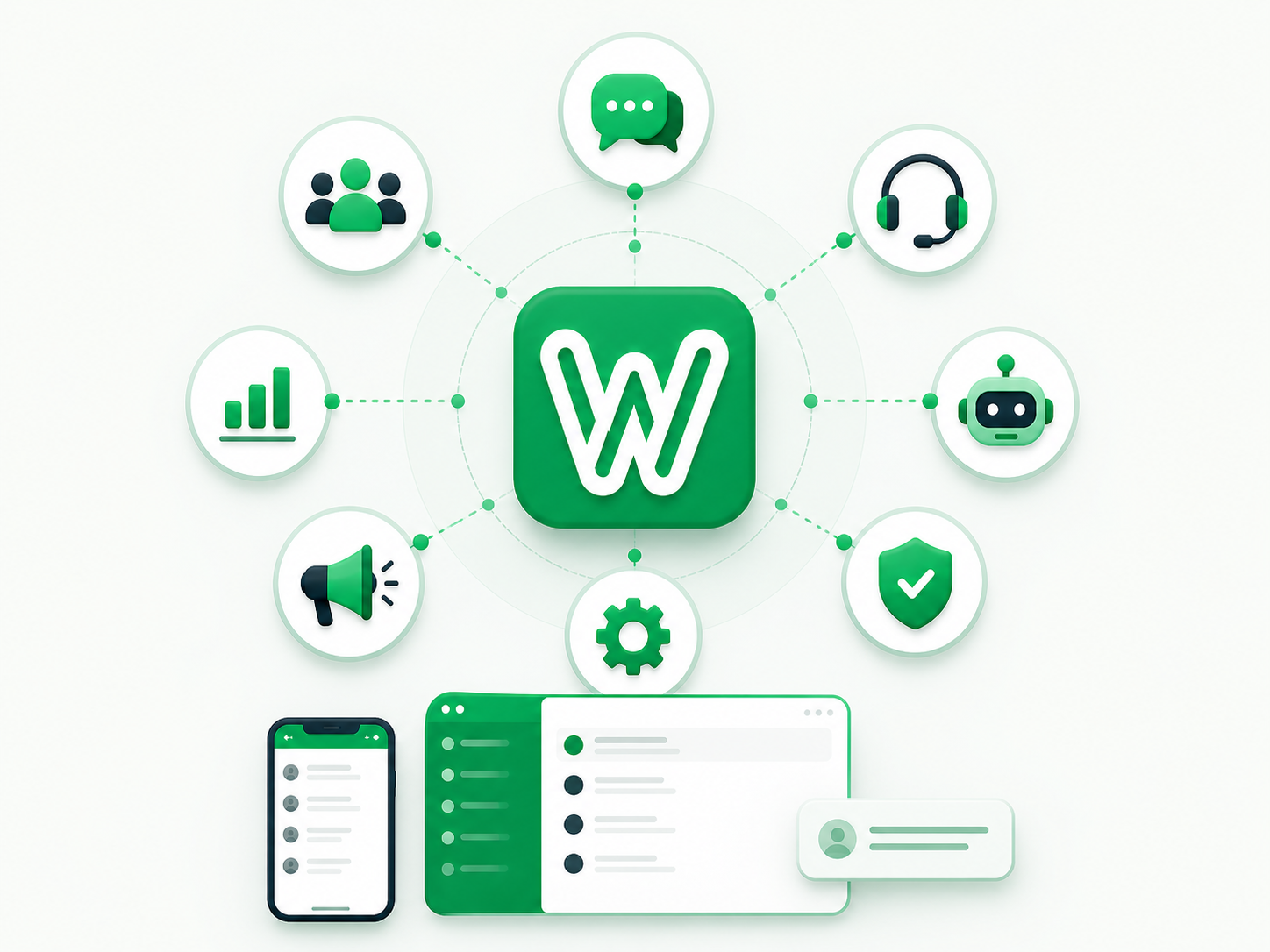
A shared WhatsApp inbox is a team workspace where several employees can manage company conversations with a visible owner, follow-up state, and role-based access. It does more than open one account on several devices: a real inbox defines who is responsible, what action is pending, and how the conversation moves through the team without losing context.
You may also see the terms WhatsApp team inbox or multi-user WhatsApp inbox. The label matters less than the operating model: a new message enters a shared queue, receives an owner, moves through the required action, and remains visible until it is closed or escalated.
What makes a team inbox different from shared access?
When several people can read the same messages, access is shared but responsibility may still be ambiguous. A team inbox should answer questions that a message list alone cannot:
Who owns this conversation now?
Does it need a reply, or an action outside the chat?
How long has it been waiting, and when should it be escalated?
Which users may see the channel or change its settings?
What happened when responsibility moved between employees?
The inbox is a core part of a WhatsApp Business management platform, although it may be the only layer a team needs if it does not run campaigns or advanced automation.
How do linked devices, Meta Business Suite, and an API inbox compare?
Official WhatsApp and Meta tools offer more than one way to access business messages. The WhatsApp Business app serves small-business communication, while Meta Business Suite Inbox can bring Messenger, Instagram, and WhatsApp messages into Meta's workspace. WhatsApp Business Platform supplies the APIs on which software providers can build custom team experiences.
Option | The problem it addresses | What to verify | When a larger layer may be needed |
|---|---|---|---|
Linked devices with the Business app | Accessing the account from more than one device | Current access features, privacy, and device dependencies | When explicit assignment, advanced permissions, or reporting becomes necessary |
Meta Business Suite Inbox | Organizing messages from Meta products in one Meta workspace | Supported channels, assignment, filtering, and fit for your workflow | When the team needs custom integrations or a specialized process |
Inbox built on WhatsApp Business Platform | A vendor-built team experience over the API | Ownership, permissions, event history, and integrations | When WhatsApp becomes part of a complete sales or support operation |
Broader management platform | Inbox plus campaigns, automation, AI, or channel administration | Limits, cost, and dependencies of each module | Only when those modules solve a defined use case |
There is no universal winner. A small team may operate well with an official, lightweight option. A sales operation with formal ownership and connected systems may need an API-based inbox.
What should the conversation lifecycle look like?
Names vary between platforms, but a complete inbox lifecycle has five distinct decisions.
Stage | Team question | Expected action | Evidence retained in the system |
|---|---|---|---|
Arrival | Is this a new, actionable message? | Place it under the correct channel and access scope | Arrival time and channel |
Assignment | Who is responsible now? | Assign it to a person or queue under a defined policy | Current owner and assignment history |
Handling | What response or task is required? | Review context, reply, or request information | Messages and recorded actions |
Waiting or escalation | Is it waiting on the customer, an employee, or a system? | Set the next action or change ownership | Waiting reason and escalation time |
Closure | Has the work actually been completed? | Close it under an agreed definition | Closure time and state reason |
Read status is only one signal in this lifecycle. An employee may read a message and then wait for pricing approval; the conversation is read, but the work is not complete.
Hypothetical example: a sales team handling quote requests
This is an illustrative scenario, not a customer case or performance claim. A services company receives quote requests on one WhatsApp number. Three sales employees and a manager share responsibility.
A new inquiry enters an unassigned queue rather than belonging to whoever opens it first.
The manager or routing policy assigns the conversation to one employee.
The employee reviews the history, asks for the missing details, and marks the case as waiting for the customer.
When the customer replies, the conversation returns to an actionable view rather than disappearing among read threads.
If the quote requires approval, responsibility or escalation moves to the relevant role while the current owner remains visible.
The case closes when the quote and next step are recorded—not simply when the final message is viewed.
The workflow can logically reduce opportunities for work to be forgotten, but it does not prove a percentage improvement. Impact must be measured against the company's own baseline using the same time period and definitions.
Which inbox capabilities deserve a hands-on test?
Visible, reversible assignment
Test assignment to yourself and another eligible employee, unassignment, and the process used when someone is absent or at capacity. The team should see the current owner without asking in a separate chat.
Permissions that enforce role boundaries
An agent who replies to customers does not necessarily need to remove a channel or manage templates. Test the system with a restricted account, then use the WhatsApp team permissions guide to build an access matrix.
A work queue, not merely a message list
Employees should be able to identify what is new, overdue, assigned to them, or waiting for action. A filter is useful when it maps to an agreed action; more filters without consistent definitions only add interface complexity.
Context that remains available during reassignment
A team handoff should change assignment while preserving the authorized conversation history. It should not mean forwarding one customer's chat content into another customer's conversation. The official WhatsApp Business Messaging Policy prohibits sharing information from one customer chat with another customer.
Replies and media within the correct policy window
Quick replies and media can improve consistency for repeated scenarios when they are current and authorized. They must not be used to bypass approved-template requirements or the customer service window.
Alerts and metrics with definitions
A useful alert points to a specific action instead of repeating every event. A useful metric identifies its source and denominator. The WhatsApp performance measurement guide separates response-time metrics from message and campaign states.
Which metrics show whether the inbox is working?
Start with a small set tied to the original operating problem.
Metric | One workable definition | What it cannot prove alone |
|---|---|---|
Unassigned conversations | Open, eligible conversations with no owner at the measurement time | Reply quality or customer satisfaction |
First-response time | Time from the first eligible inbound message to the first approved human or automated response | Whether the request was resolved |
Overdue conversations | Open conversations beyond the agreed service target | The cause of the delay |
Employee workload | Open conversations currently assigned to the employee | Case complexity or individual productivity by itself |
Reassignment rate | Reassigned conversations divided by assigned conversations | That every reassignment was a mistake; some are valid escalations |
Agree on the definitions before comparing dashboards. A changed definition of “reply” or “open” can invalidate a trend even when the chart looks precise.
How does Wats support the shared-inbox lifecycle?
Wats provides a conversation list, message history within each thread, self- and teammate assignment, unassignment, read-state handling, quick replies, media, notifications, and company- and channel-scoped permissions. It also exposes operational metrics that teams can use once they agree on definitions.
An assistant can be enabled under company policy at the conversation level, but AI is not required for the inbox to perform its main job: making work, ownership, and the next action visible. Review the Wats features page, then ask the demo to run one end-to-end lifecycle.
Conclusion: share responsibility, not only the screen
If the goal is simply to access WhatsApp from another device, the official app tools may be enough. If the goal is to organize messages across Meta products, Meta Business Suite may cover a meaningful part of the need. If the problem is lost ownership, follow-up, and role control, the team needs an inbox with a defined operating lifecycle.
Before selecting a product, map one message from arrival to closure. If the platform cannot show the owner, pending action, and handoff history at each stage, it is sharing messages—but it is not yet organizing the work.