A WhatsApp Business management platform is software that turns a WhatsApp channel into a team workspace. It adds conversation ownership, permissions, campaigns, reporting, and integrations around the channel. It is not the WhatsApp Business app, and it is not Meta's API alone; it is the operating layer a company uses to manage the work behind its messages.
That distinction matters because “WhatsApp for business” is often used for three separate products or capabilities. Comparing them as if they were interchangeable can leave a team paying for unnecessary complexity—or relying on an app that no longer fits its workflow.
What is the difference between the app, the Business Platform, and a management layer?
Meta describes the WhatsApp Business app as a product built with small business owners in mind, with a business profile, product presentation, and basic response tools. WhatsApp Business Platform provides business messaging APIs for companies that want programmatic communication and connected experiences.
“Management platform” is not the name of a separate Meta product. It is the software layer that connects the channel to people, processes, and other systems.
Layer | What it provides | A sensible fit | What not to assume |
|---|---|---|---|
WhatsApp Business app | Direct conversations, a business profile, catalog, and basic tools | A small, owner-led operation | Full team governance, advanced reporting, or complex routing |
WhatsApp Business Platform | APIs, templates, webhooks, and building blocks for business messaging | A company connecting WhatsApp to software and back-end systems | A ready-made team inbox or CRM experience |
WhatsApp management platform | Inbox, assignment, permissions, campaigns, reporting, and integrations, depending on the product | A team running sales, support, or operations through WhatsApp | Identical features, policies, and controls across every vendor |
The useful question is therefore not “Do we use WhatsApp Business?” It is “Which layer do we need, and which job must it perform?”
When is the WhatsApp Business app enough?
The app can be the right choice when one person handles most conversations, ownership is obvious, and the company does not need structured campaigns, integrations, or detailed role controls. Adding a platform at that point may introduce cost and process without solving a real problem.
There is no universal message count or team size that forces a move. Look instead for repeatable operating failures:
Two employees answer the same customer, or both assume someone else will follow up.
A manager cannot see which conversations are overdue or who owns them.
Branches or functions need separate numbers and access scopes.
Campaign replies are disconnected from the sales or support team that should act on them.
Employees copy customer or order data manually between WhatsApp and another system.
If none of those conditions exists, the simpler tool may still be appropriate. If one does, define the missing operating capability before comparing vendors.
How do you map a business need to the right layer?
Start with the decision or handoff that is failing, then identify the minimum capability needed to fix it.
Operating need | Minimum capability | A useful demo question |
|---|---|---|
Several employees share responsibility | Shared inbox and explicit assignment | Can I see the current owner and any assignment change? |
Different teams or roles use the channel | Role- and channel-based access | Can a sales user access only the approved channels and actions? |
The business sends to defined audiences | Templates, audience checks, tracking, and policy controls | How does the system prevent an ineligible recipient from being sent a message? |
Managers need performance visibility | Clear definitions for reply, read, and response time | What event and denominator produce each metric? |
A CRM or ERP supplies customer data | APIs, webhooks, or a supported connector | What happens when the external system times out or returns stale data? |
AI or automation handles part of the reply | Policy, testing, human escalation, and execution logs | Who approves a send, and when must automation stop? |
This exercise exposes “feature theatre”: a capability can look impressive in a product tour while remaining unrelated to a real owner, action, or outcome.
Which capabilities matter in daily use?
Conversation ownership and state
People need to know who owns a conversation, what requires action, and when follow-up is complete. Simply displaying messages does not resolve unclear responsibility. If this is your main problem, the shared WhatsApp inbox guide walks through the operating lifecycle in detail.
Access that reflects roles and channels
Not every user should manage channels, templates, or company settings. In a demo, verify that permissions prevent the action at the service level rather than merely hiding a button, and confirm how company, channel, and team scope are separated.
Campaign operations with policy controls
A campaign is not a spreadsheet plus a send button. It involves recipient opt-in, a valid template, audience checks, delivery events, and a plan for replies. The WhatsApp campaign workflow guide explains those stages and the limits of campaign measurement.
Integrations that can be monitored
Ask how credentials are stored, which scopes are used, where delivery and webhook failures appear, and what can be retried. A marketing page that says “integrates with your CRM” does not show whether an operations team can diagnose the connection.
AI with an explicit control model
An assistant should receive only the context it needs, have defined boundaries, and escalate sensitive cases to a person. Read the guide to AI with customer context on WhatsApp before allowing a model to send automatically.
Hypothetical operating example: two branches and one central team
This is an illustrative scenario, not a customer result. A Saudi retailer has branches in Riyadh and Jeddah. Two WhatsApp numbers receive availability questions and after-sales requests. A central team performs the first response and then assigns the case to the relevant branch.
With the app alone, employees may be able to read and answer messages, but ownership and follow-up can still live in a separate chat or spreadsheet. With an appropriate management layer, the workflow can be made explicit:
The incoming message appears under the correct branch channel and access scope.
The conversation is assigned to an available employee, making the owner visible to the team.
The employee reviews the history and, when authorized, requests availability from the connected source.
If another function must take over, ownership changes while the conversation context remains available.
A manager reviews open or overdue work using agreed metric definitions.
The example does not prove a revenue uplift. The demo can prove that ownership and steps are visible and enforceable; business impact must be measured against the company's own baseline after implementation.
What buying mistakes should you avoid?
Confusing Meta with the software vendor: Ask which capability comes from WhatsApp Business Platform and which is built by the vendor.
Buying a feature list: Convert each important claim into a workflow you can test.
Ignoring migration dependencies: Confirm how the live number, templates, credentials, and data will be connected before setting a launch date.
Accepting undefined analytics: Request definitions for “open,” “replied,” “response time,” and every percentage shown.
Automating too early: Establish ownership and permissions before automating the process.
Treating messaging rules as optional: Opt-in, approved templates, and opt-out requests remain governed by the official WhatsApp Business Messaging Policy.
How does Wats implement the management layer?
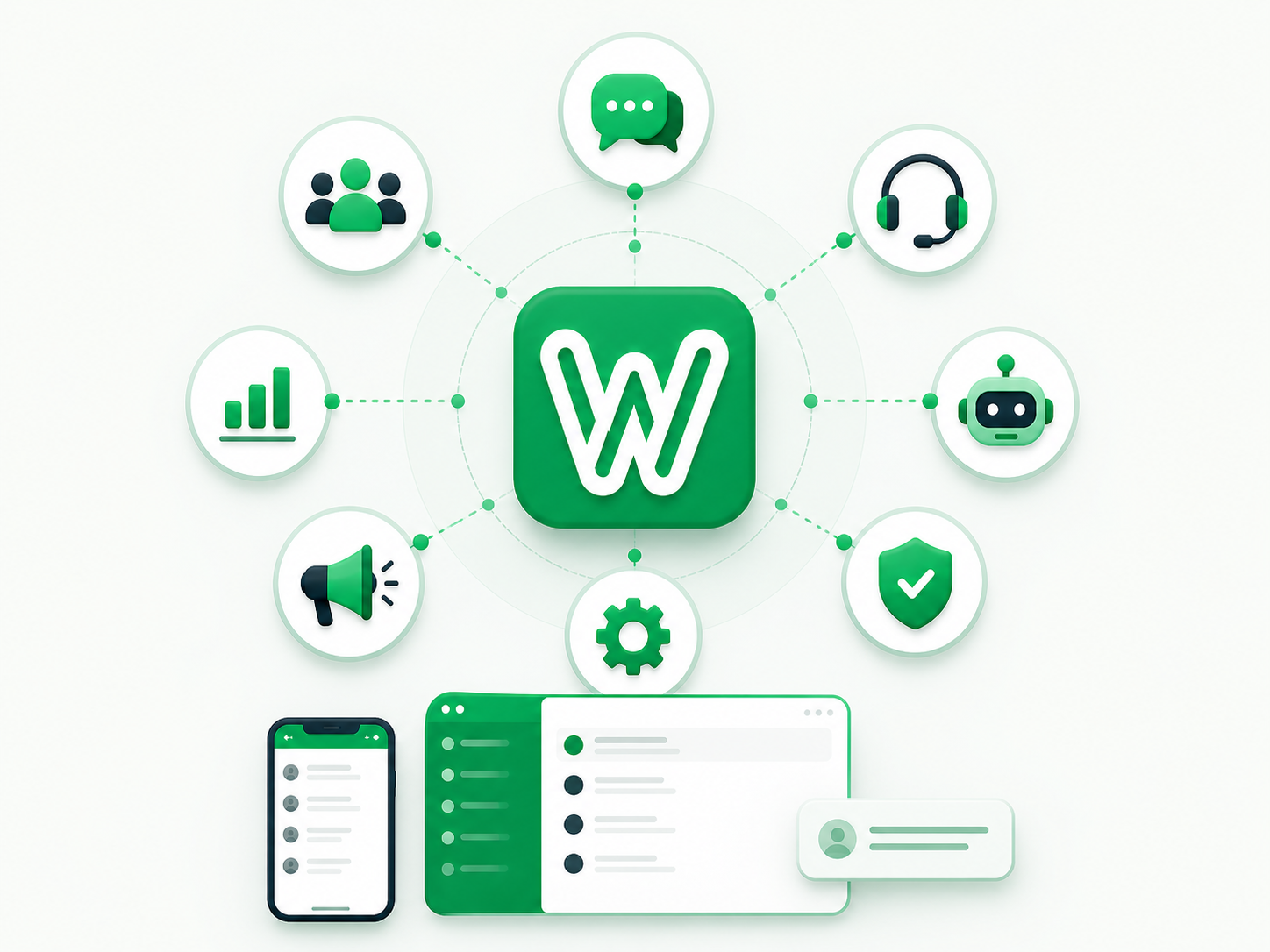
Wats combines a conversation inbox, assignment, read state, permissions, Meta channel operations, templates, and campaigns in one workspace. Depending on the company's configuration, it also supports assistant policies, customer intelligence, workflows, API tokens, and outbound webhooks.
That does not mean every company should enable every capability. A better rollout starts with one defined workflow and verifies the required permissions, data sources, and failure handling. The Wats features page provides a starting point for preparing that test.
Conclusion: choose the operating layer, not the label
If one person manages a limited flow, the WhatsApp Business app may be enough. If software needs to communicate through WhatsApp, WhatsApp Business Platform supplies the technical foundation. When a team needs explicit ownership, controlled access, campaigns, reporting, and integrations, it is evaluating a management layer on top of the channel.
Before a demo, write down three operating failures your team wants to remove. For each one, name the action, owner, control, and evidence of completion. The right platform is the one that handles those scenarios clearly and explains its limits—not the one with the longest row of feature logos.